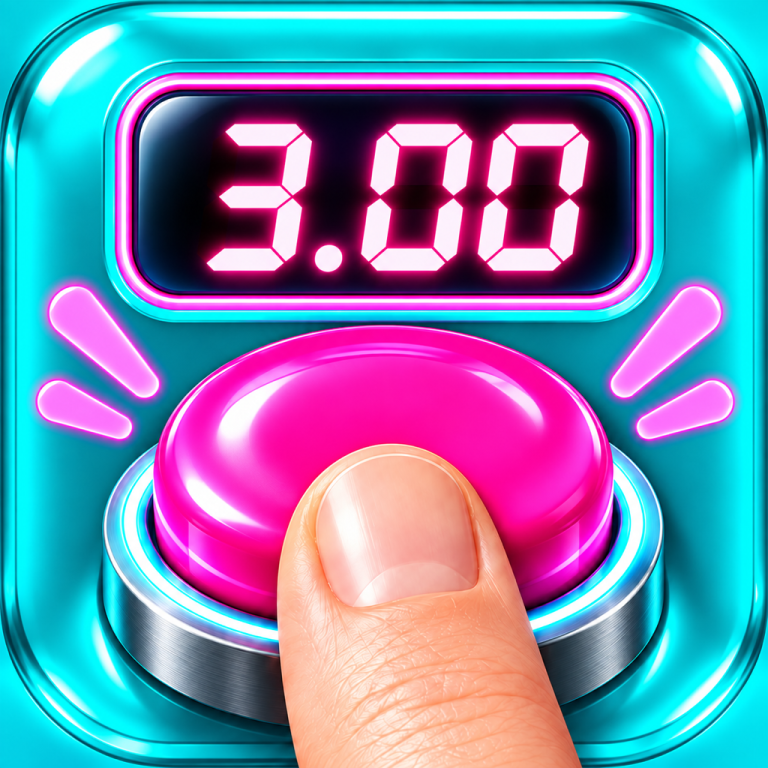
A big tempting button and a stopwatch you cannot see.
Tap to start it, tap again when you believe the target time has passed, and find out how close you were.
What the app is
A big tempting button and a stopwatch you cannot see. Tap to start it, tap again when you believe the target time has passed, and find out how close you were.
Tap to start
The clock starts on the first tap and stays hidden while it runs. Hiding it is the whole point.
Tap when you think you are there
Your time is measured from the moment your finger touches the glass, not from the last frame the screen managed to draw.
See how close you were
Every attempt is logged with its target, time, deviation and mode, so the log, statistics and personal bests can be shown.
Play it however you like.
Pick a target, let the app pick one, run an arcade streak until your lives run out, take the daily run everyone gets the same version of, work through the missions, or pass the phone around.
Pick a target and go for it.
Let the app pick the target for you.
Run a streak until your lives run out.
Everyone gets the same version of it.
Work through them one at a time.
Pass the phone around.
Things people ask
The clock is hidden. Is that a bug?
No, that is the game. Hiding it is the whole point. If you would rather see it while you practise, turn on “Show running clock” in Settings. Missions, the daily run and party mode always hide it, because they are scored.
Can I see the seconds tick by instead?
Settings has a practice aid that taps or beeps on every whole second. It is off by default and unavailable in the scored modes, for the same reason the clock is.
My round stopped by itself.
If the app leaves the screen while the clock is running, the round is cancelled rather than scored. A round you could not see is not a round you played, and scoring it would have spoiled your log and spent a daily attempt.
Why did the number change slightly when I stopped?
Your time is measured from the moment your finger touches the glass, which is a fraction earlier than the last frame the screen managed to draw. The number you end on is the accurate one.
How do I get rid of my results?
Swipe a row away in the Log, or use “Clear log” in the menu there. Deleting the app removes everything it ever stored.
Do you collect anything about me?
No. The app has no network connection at all. See the privacy policy.
Getting help
Write to Help@stolendevelopment.no.
To get a useful answer quickly, tell us:
- which iPhone you have and which version of iOS it is running,
- which version of Stop Timer, shown at the bottom of Settings,
- what you did, what happened, and what you expected instead.
A screen recording is worth a great deal for anything to do with timing or animation.
Company
Stølen Development AS
Organisation number 937 561 008
Vikagata 17, 6010 Ålesund, Norway
Help@stolendevelopment.no